Watch Faces & Amazfit
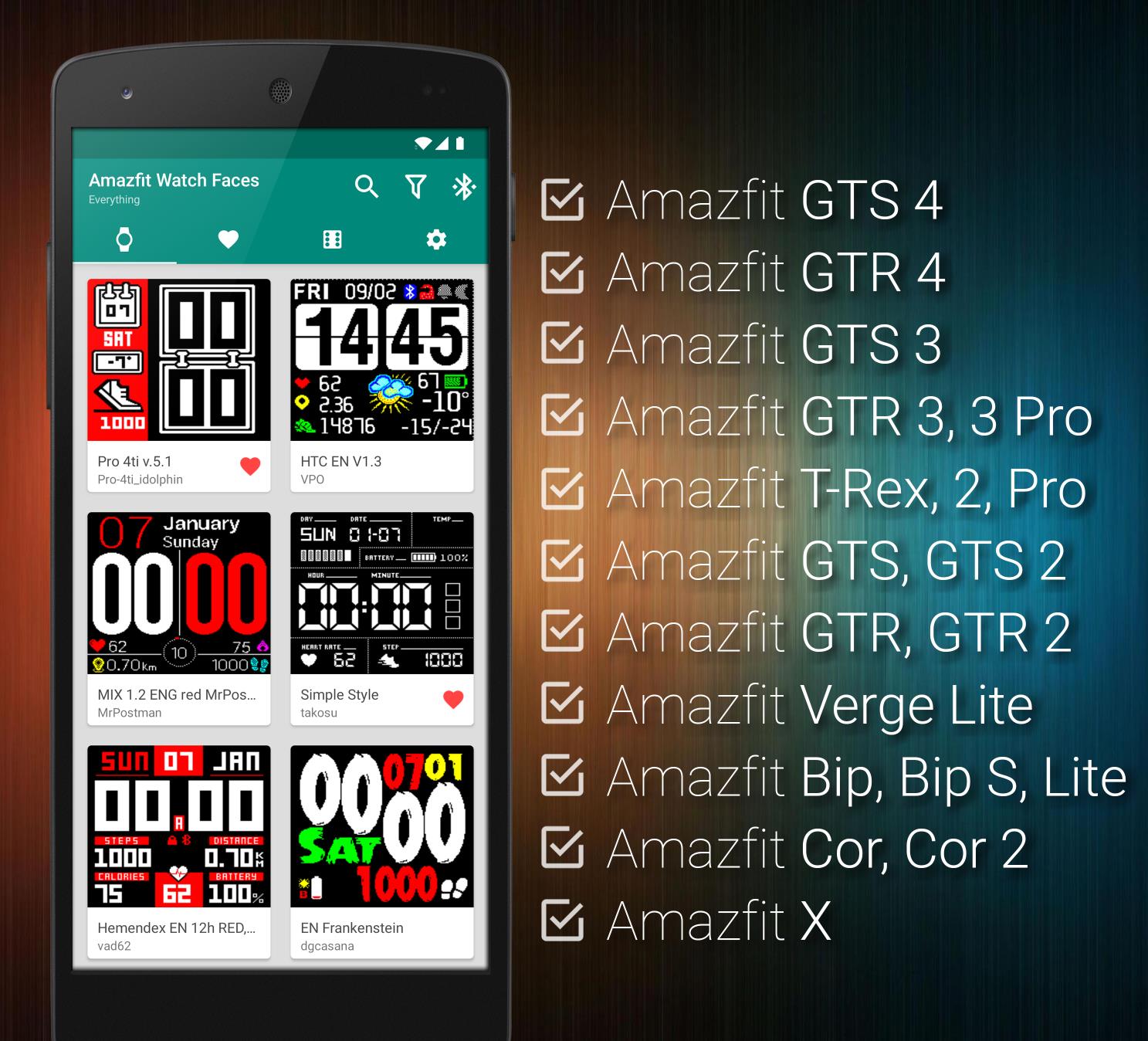
Watch Faces & Amazfit allows you to browse and directly install thousands of community driven watch faces by single press of a button! New watch faces are added every single week!
- Extremely fast watch faces browser
- Full-text search
- Filter by features & language
- Customizable sort order
- Add watch faces to favorites
- Random watch faces generator
- Install your own watch face binary files (Settings - Install Custom)
- Lightweight (no background battery usage, no unnecessary permissions)
- & much more!
- Get Watch Faces & Amazfit on Google Play!
Instructions:
1) Press Install
That's it! You don't need to open Mi Fit / Amazfit application to install your new watch face. Just press install inside of our application and wait for the synchronization to finish.
Supported Devices: (if your device is not listed, it is not supported)
- Amazfit GTS 4
- Amazfit GTR 4
- Amazfit GTS 3
- Amazfit GTR 3 / GTR 3 Pro
- Amazfit T-Rex 2 / T-Rex Pro / T-Rex
- Amazfit GTS 2, GTS 2E, GTS 2 Mini
- Amazfit GTR 2, GTR 2E
- Amazfit GTS
- Amazfit GTR 42mm / 47mm / Lite
- Amazfit Verge Lite
- Amazfit Bip / Bip Lite / Bip S
- Amazfit Cor / Cor 2
- Amazfit X
- If you are looking only for lightweight watch faces manager with direct installation support, we recommend Watch Faces & Amazfit
- If you are looking for more advanced features, customizations as well as watch faces management, we recommend Tools & Amazfit